
Weyrdlets 2.0 : Desktop Pets
Your new virtual desktop pet & productivity companion!


Your new virtual desktop pet & productivity companion!
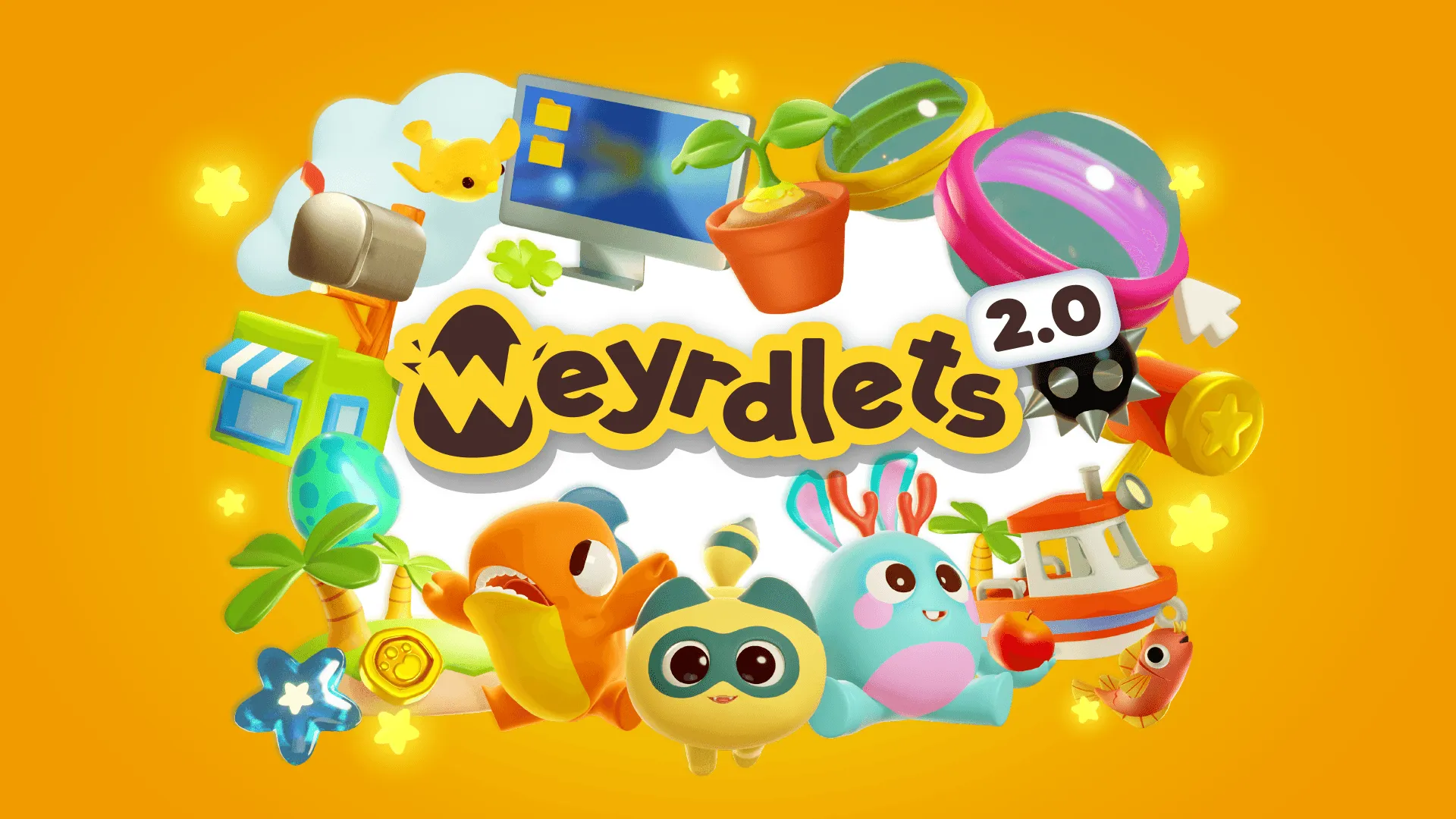
About the game
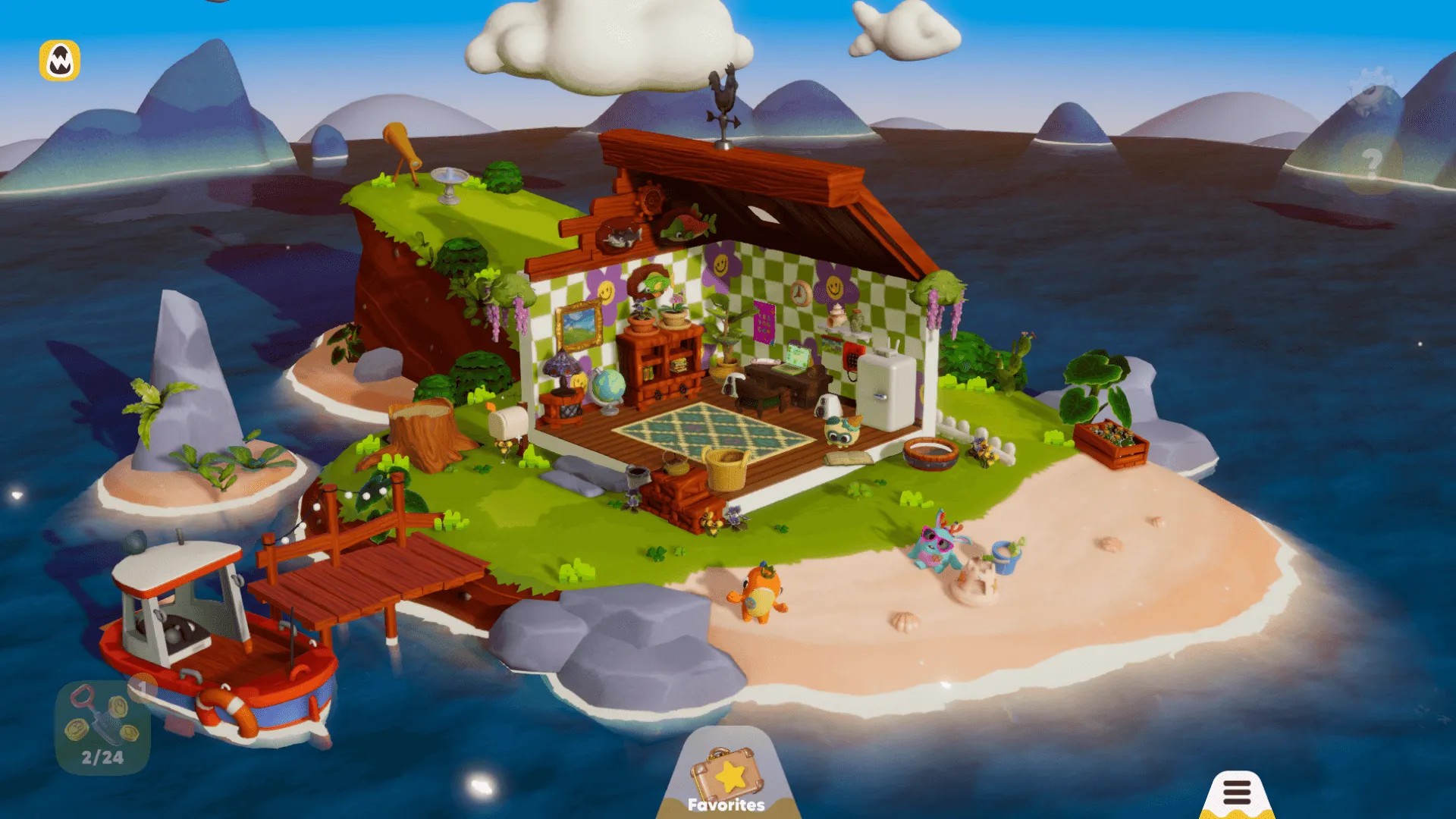
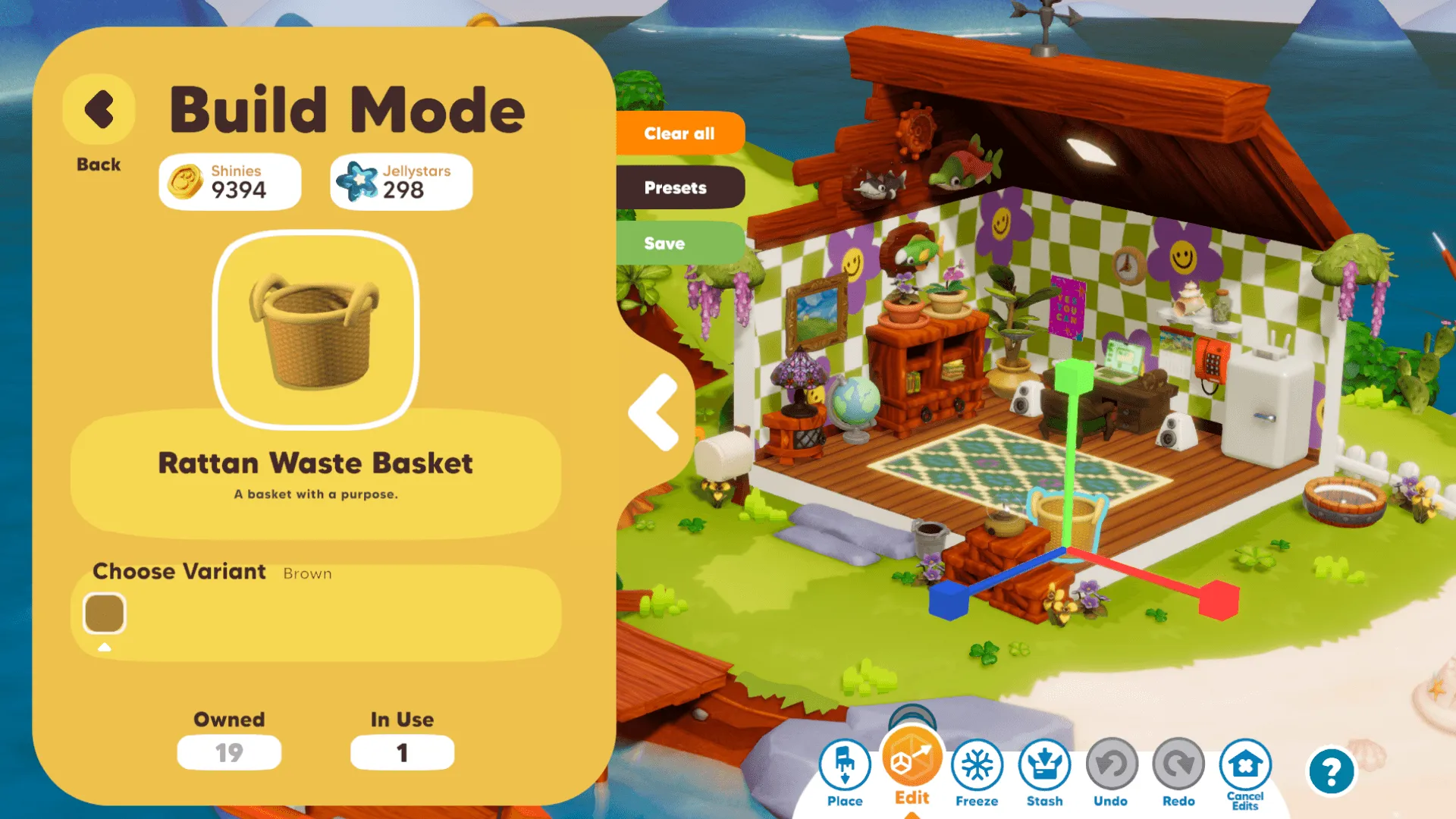
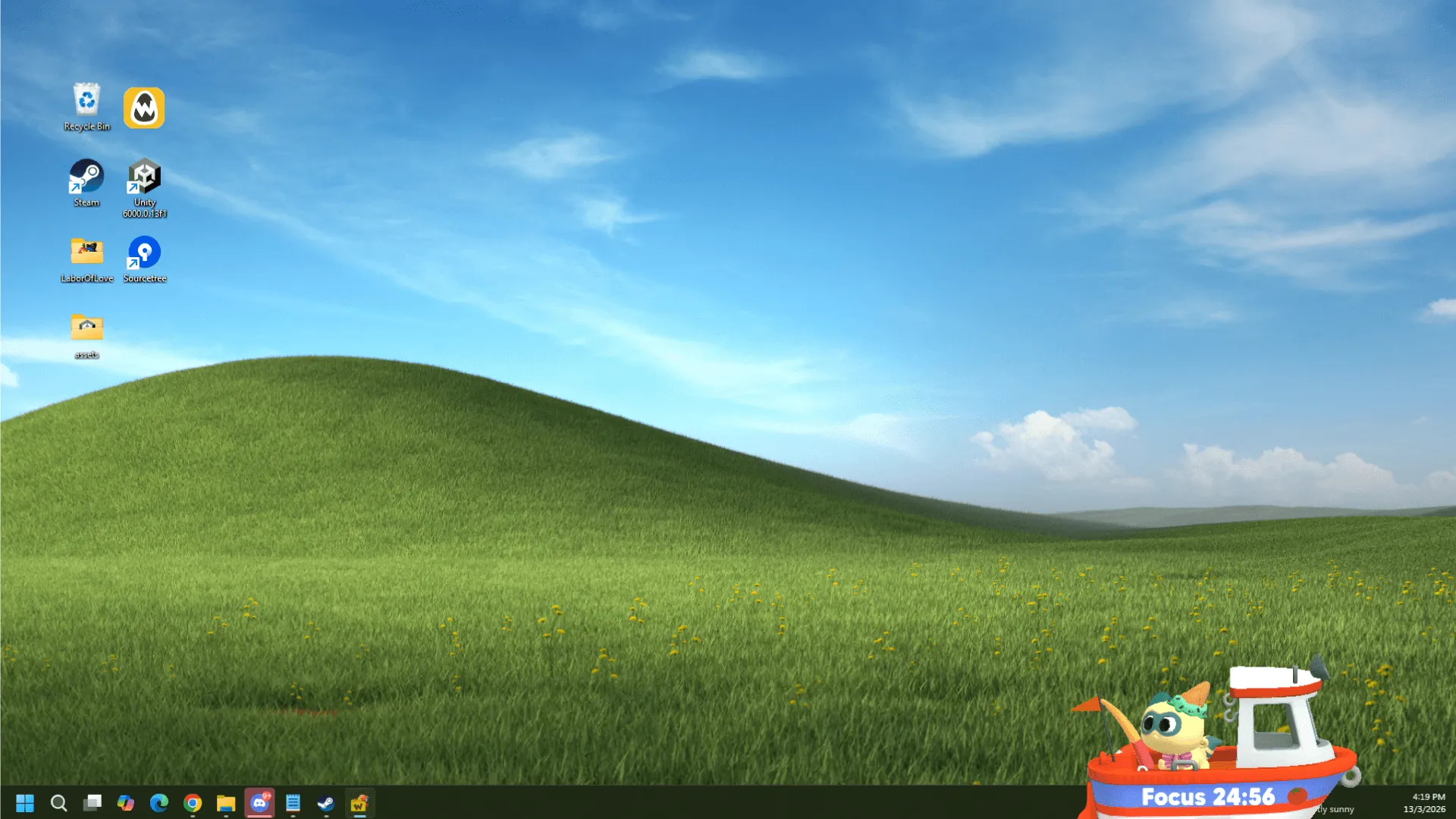
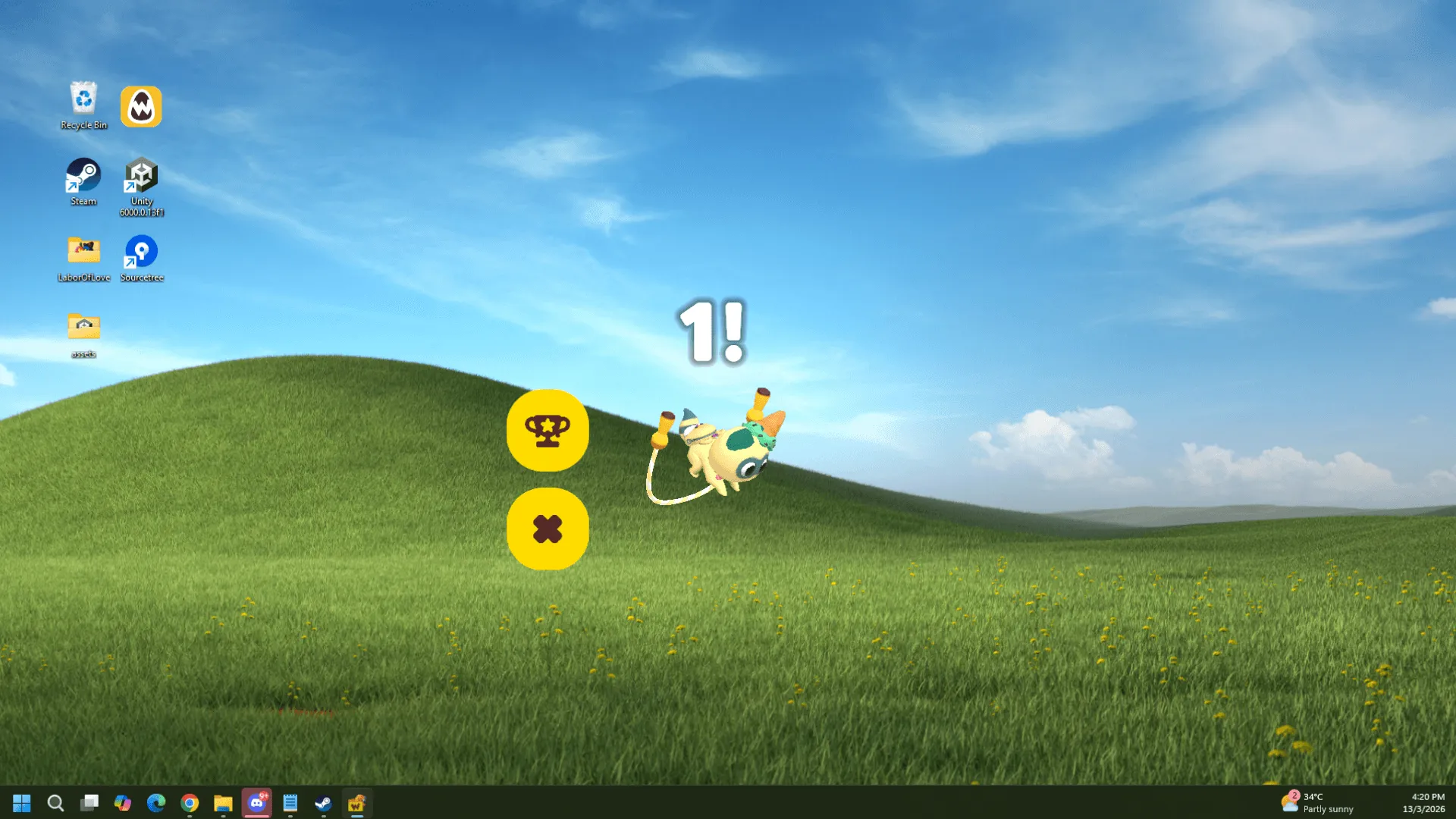
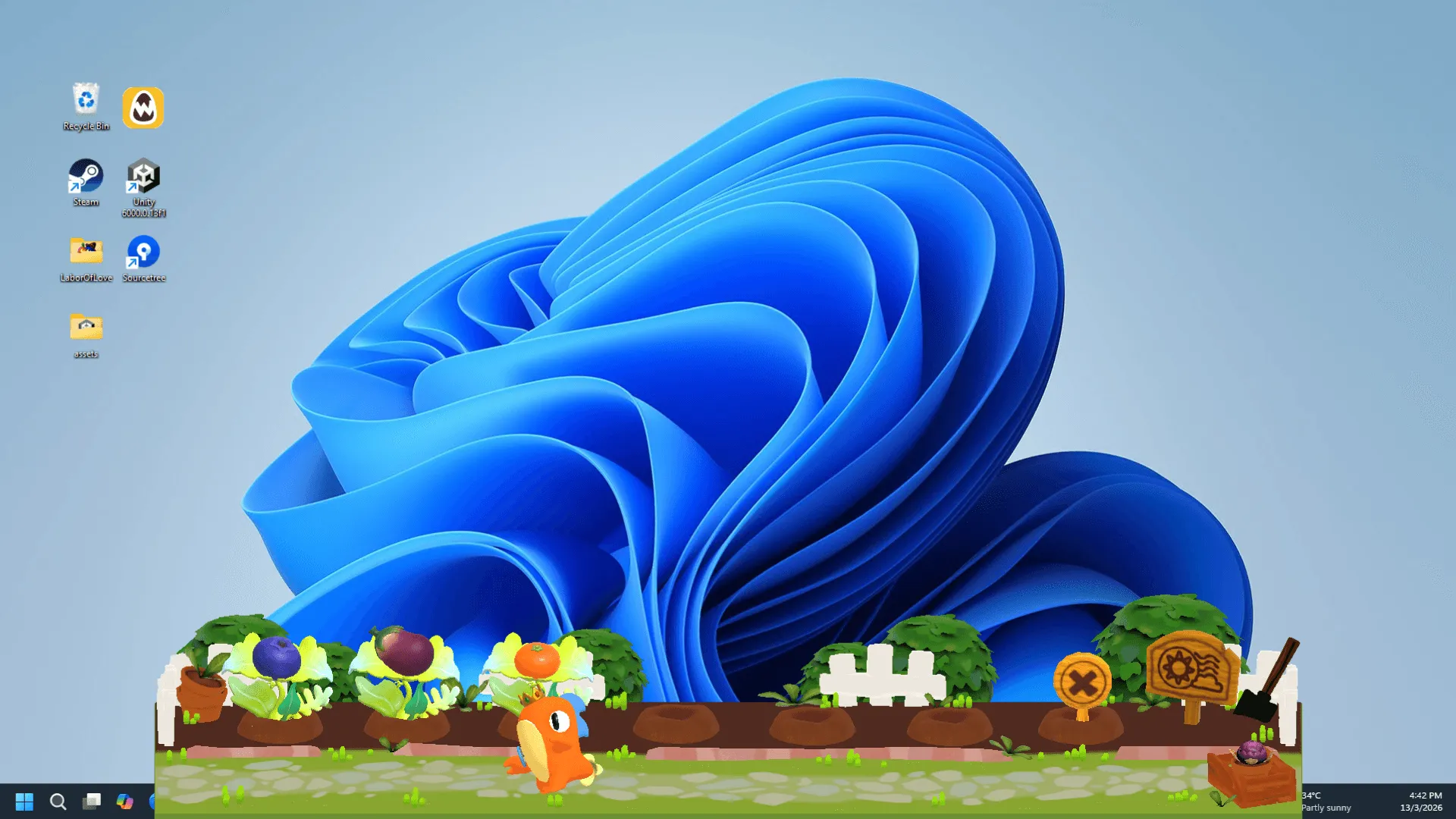
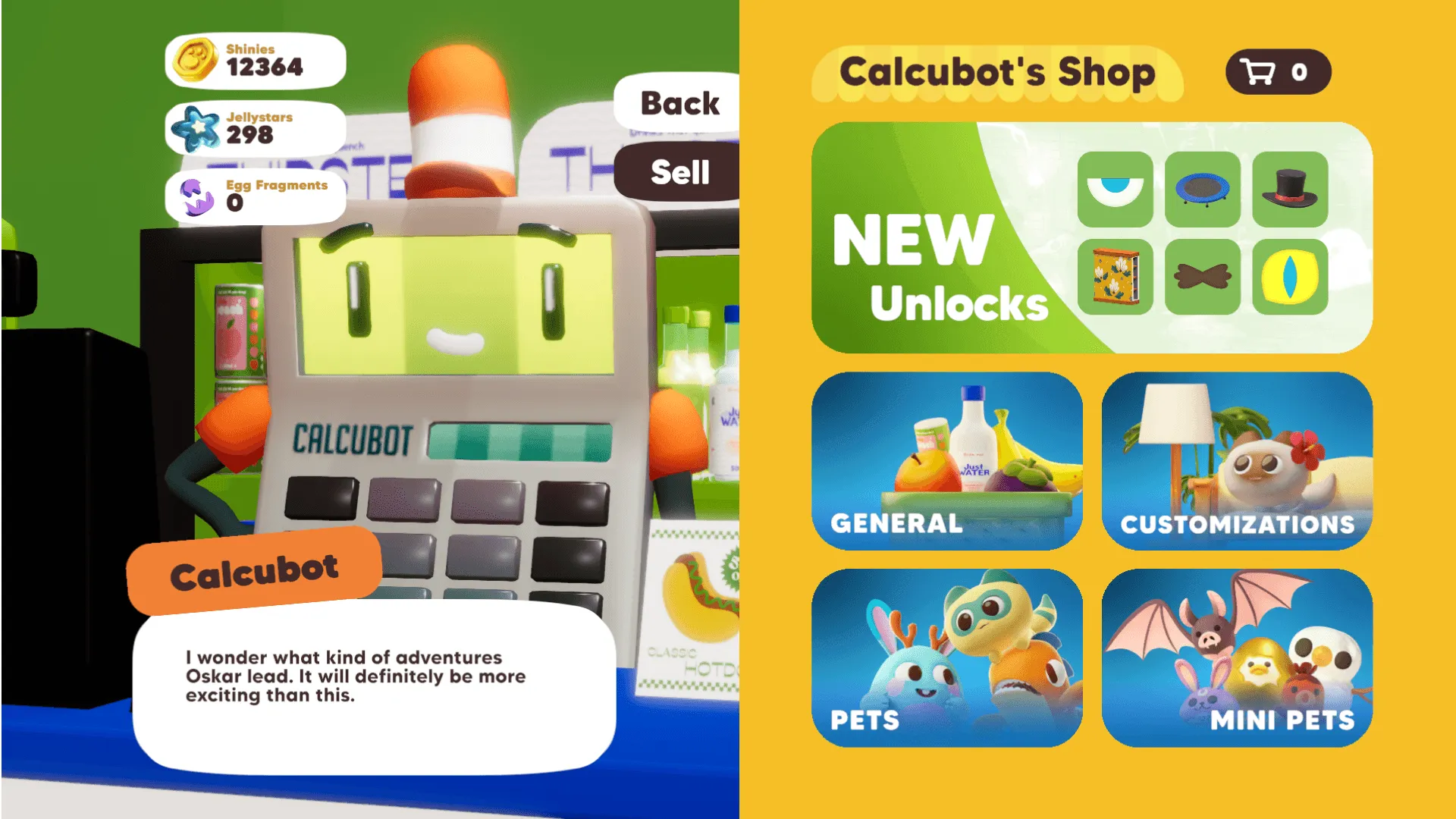
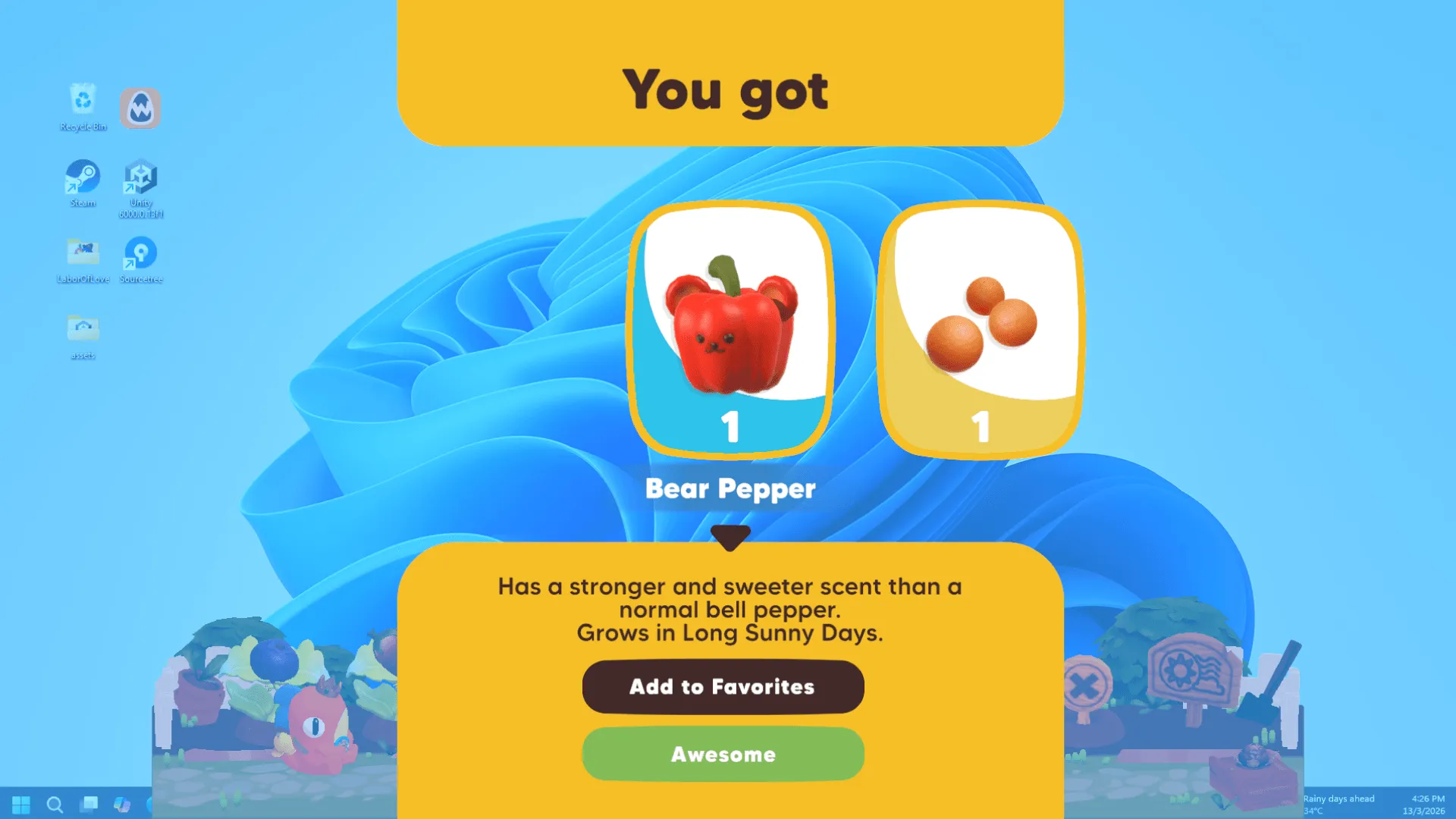
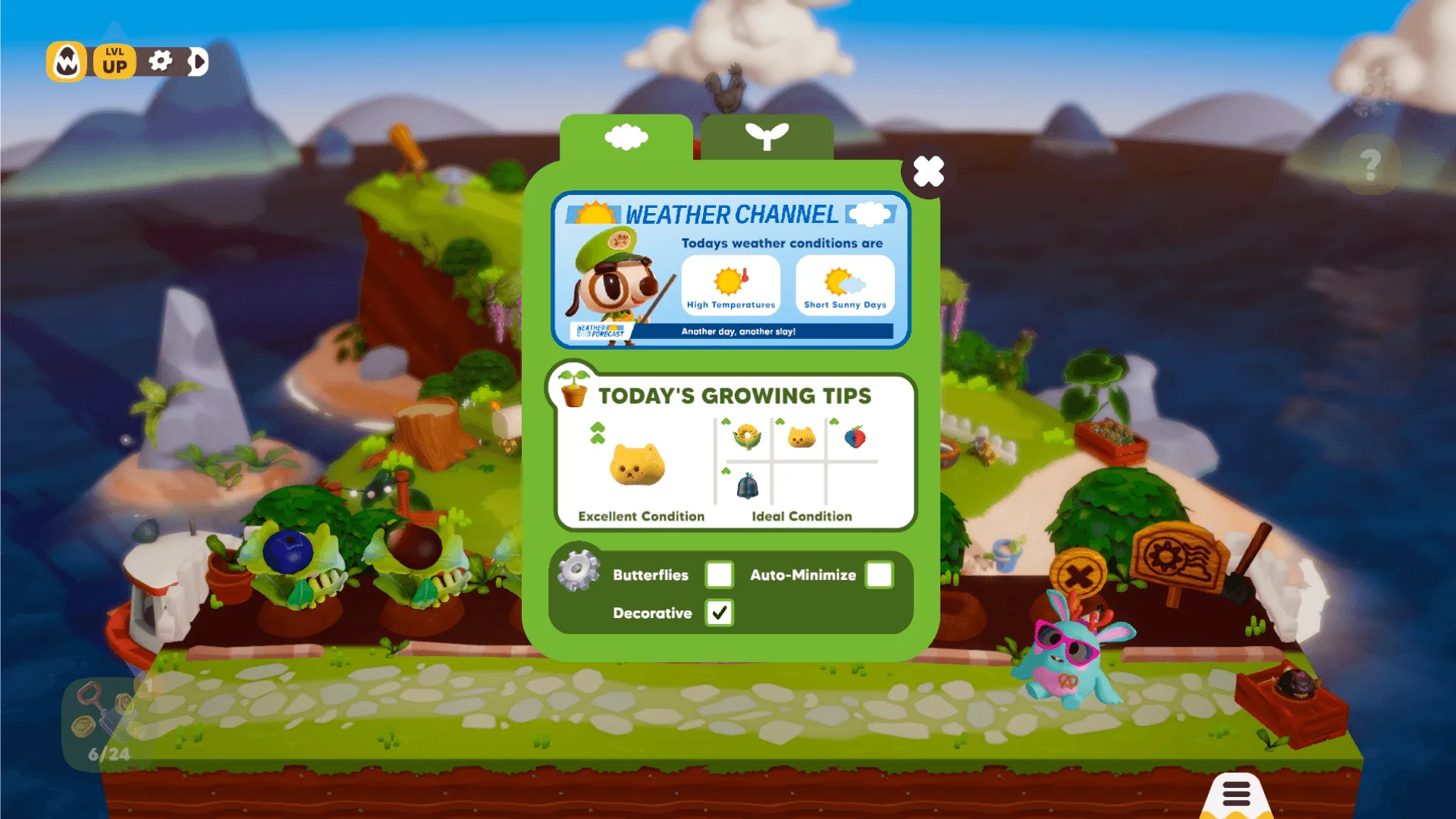
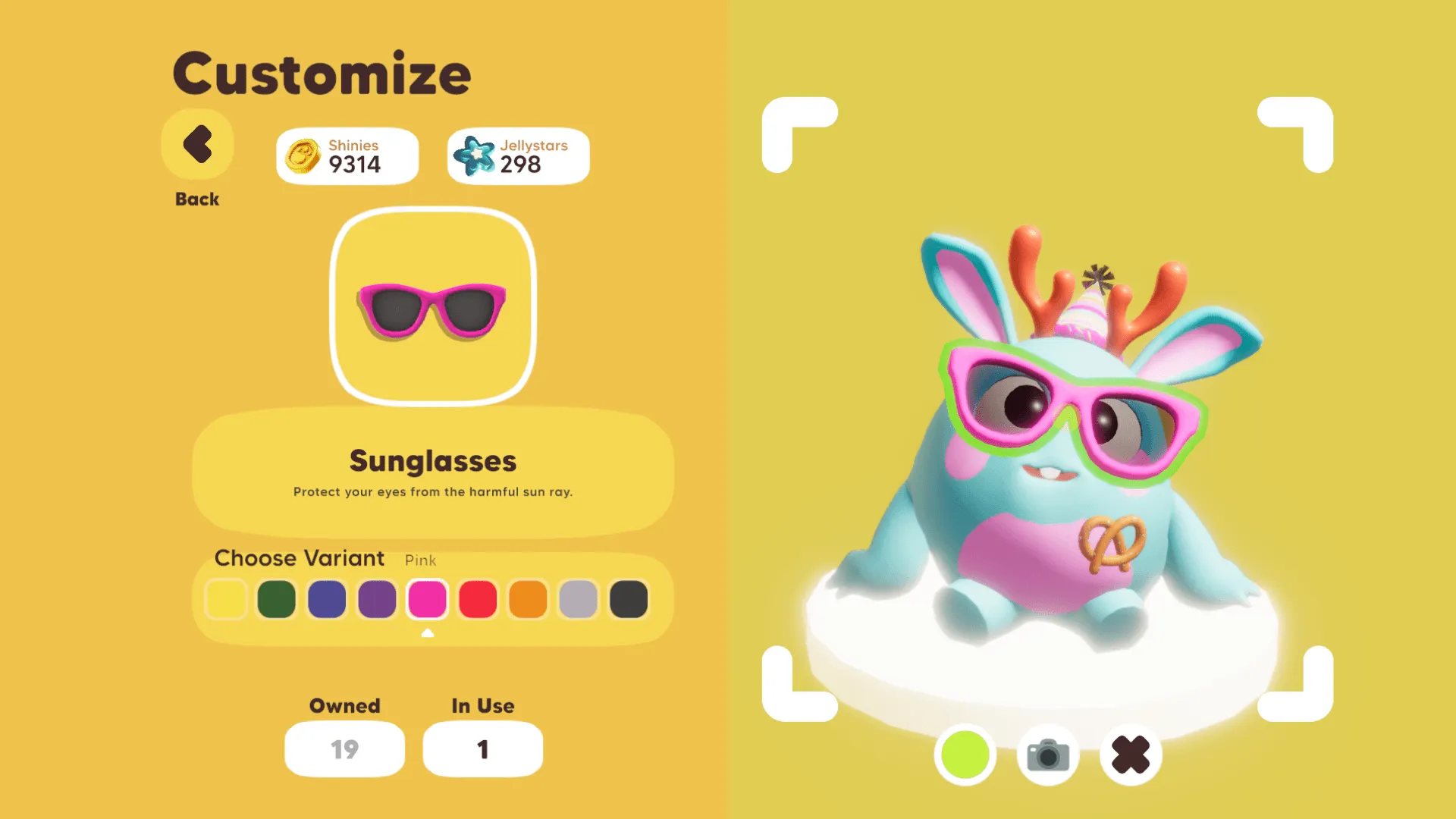
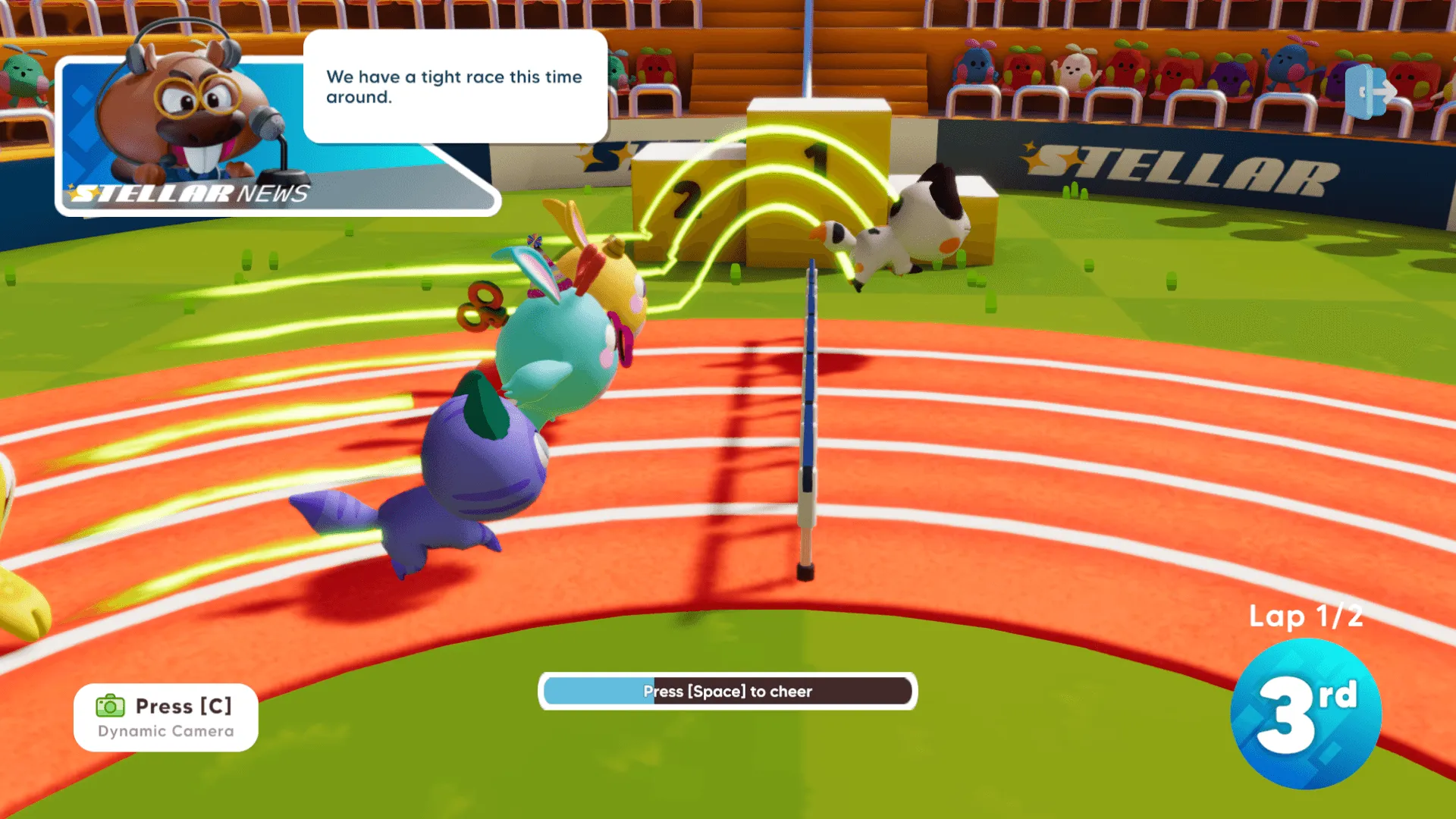
Work with your pet on the desktop, play with your friends in-game! Weyrdlets is a desktop pet game that blends productivity and play! Customize your pets and homes, hang out with friends, enjoy minigames, and let your pets keep you company on your desktop while you work or study through the day!
Official store
Trusted. Transparent. Reliable.
Secure payment
Only verified payments methods

To activate a CD key on Steam, follow these steps:
If you encounter any issues during activation, please see this Retail CD Keys article for more info. If problems persist, you may contact Xsolla Customer Support at Xsolla Help Center.
Interface: English, Korean, Japanese, Simplified Chinese
Full Audio: N/A
Subtitles: English, Korean, Japanese, Simplified Chinese
If you have any issues with your purchase, please email us at support@xsolla.com or simply click on the customer support button located on the bottom left of the homepage to start a live chat. In rare cases, it may take up to a few minutes for emails from Xsolla Mall to deliver.